
Business professionals juggling multiple languages in 2026 don't need another browser tab — they need translation that works inside the app they're already typing in. Best overall: PhraseLift for Mac users who translate and rewrite text across Messages, WhatsApp, and email without switching windows. Best for document translation: DeepL. Best for casual, on-the-go translation: Google Translate.
- PhraseLift is the best ai translation app for business professionals who work on Mac across Messages, WhatsApp, and email.
- DeepL wins for document-heavy translation in major European business languages.
- Google Translate covers the widest language list for quick, casual translation.
- Microsoft Translator fits teams already living inside Word, Outlook, and Teams.
- Reverso is the pick for checking idioms and phrase-level nuance before sending.
Why this matters
Most people handling cross-language business communication in 2026 still copy a sentence, paste it into a browser tab or a chat window, wait for a translation, then paste it back. That's three extra steps for a task that should take one keyboard shortcut. PhraseLift is built to skip that loop entirely — you select text on your Mac and get a translation or a rewrite without leaving Slack, email, or a client's WhatsApp thread.
The stakes are higher than casual translation apps assume. A slightly-off tone in a client email or a mistranslated line in a proposal costs more than a funny meme translation ever would. Business use demands accuracy on formal register, not just conversational phrases.
“If you're pasting a two-line email into ChatGPT to translate it, you've added a tab, a copy, and a paste to a task that should take one shortcut.”
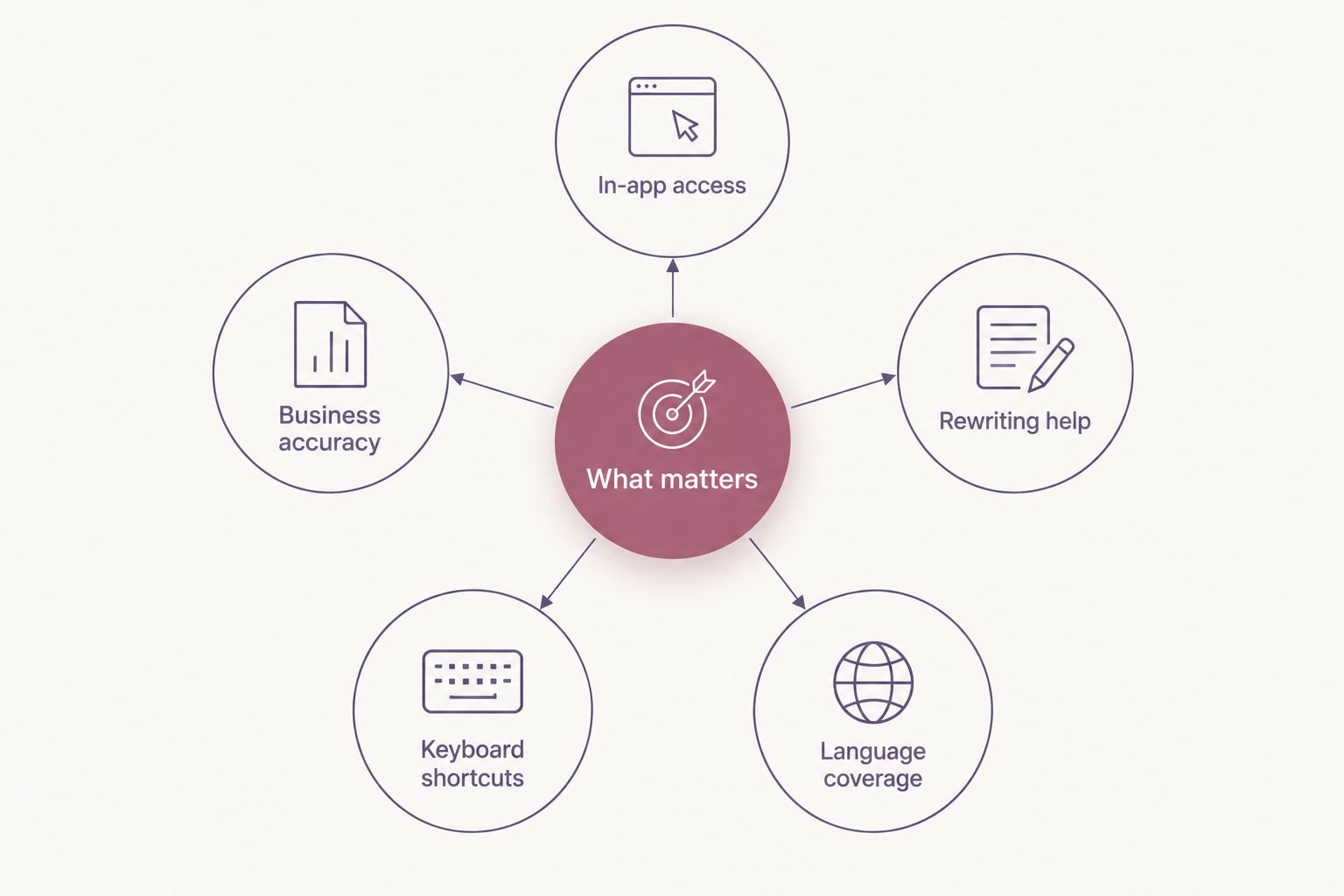
What makes the best AI translation app for business professionals
- Works where you already write — a menu bar or keyboard shortcut, not a separate browser tab
- Business-register accuracy — handles formal tone, not just casual chat phrases
- Translation plus rewriting — fixes phrasing and tone, not just literal word-for-word output
- System-wide access — one shortcut across Messages, WhatsApp, email, and Slack
- Language coverage that matches your markets — depth in the languages you actually use daily
- Works when your connection doesn't — useful on a flight, in transit, or in a client's office with no wifi
At a glance
| App | Best for | Standout feature | Key limitation |
|---|---|---|---|
| PhraseLift | Mac professionals writing across apps | Menu-bar translation plus AI rewriting in one shortcut | macOS only; iPhone keyboard still in development |
| DeepL | Document-heavy business translation | Strong accuracy in major European business languages | Fewer writing-improvement tools than PhraseLift |
| Google Translate | Casual, on-the-go translation | Broadest language coverage with offline packs | Not built for business tone or rewriting |
| Microsoft Translator | Teams inside Microsoft 365 | Live translation inside Word, Outlook, and Teams | Limited value outside the Microsoft ecosystem |
| Reverso | Checking idioms and phrase nuance | Contextual example sentences and conjugation lookup | Not designed for full-document translation |
1. PhraseLift: best AI translation app for business professionals working across Mac apps
PhraseLift is a macOS desktop app that translates selected text and improves your writing with AI, without you opening a separate window. You highlight a sentence in Messages, an email, or a WhatsApp thread, trigger a keyboard shortcut, and get a translation or a rewrite in place. An iPhone keyboard is in progress but not yet released, so today it's a Mac-first tool.
PhraseLift pros:
- Works system-wide on Mac — no copy-paste into a browser tab or ChatGPT
- Combines translation with tone and phrasing fixes, not just literal word swaps
- Keyboard shortcut access means it fits into an existing typing habit instead of replacing it
PhraseLift cons:
- macOS only right now; no Windows version
- iPhone keyboard is still in development — see the AI keyboard apps for iPhone guide for what's currently available on mobile
- No dedicated team or enterprise admin features mentioned by the product
Best for: Mac-based professionals who translate and rewrite text across multiple apps daily. Verdict: Buy if you work on Mac; wait if you need Windows or need mobile today.
2. DeepL: best AI translation app for document-heavy business translation
DeepL is a translation service known for accuracy in major European business languages, available as a desktop app, web tool, and browser extension. It handles longer documents and offers formal-register phrasing options that suit contracts, proposals, and client-facing copy.
DeepL pros:
- Strong reputation for accuracy in French, German, Spanish, and other major European languages
- Handles full documents, not just short snippets
- Formal tone options suited to business writing
DeepL cons:
- Fewer writing-improvement or rewriting features compared to a tool built around AI editing
- Coverage outside major European and Asian languages is less deep
- No system-wide Mac shortcut the way a menu-bar tool offers
Best for: Teams translating contracts, proposals, or long-form documents. Verdict: Buy for document translation; hold if you need in-app rewriting too.
3. Google Translate: best AI translation app for casual, on-the-go translation
Google Translate supports over 100 languages and includes offline language packs and camera translation on mobile. It's the default most people reach for when traveling or handling a quick, one-off translation.
Google Translate pros:
- Broadest language list of any mainstream translation tool
- Offline packs work without a connection — see offline translation apps for more on this
- Camera and voice translation for in-person situations
Google Translate cons:
- Not built for business tone; output can read stiff or overly literal in formal contexts
- No native macOS menu-bar integration for system-wide use
- Quality varies more on less common languages and idioms
Best for: Quick, casual translation while traveling or handling a one-off message. Verdict: Buy as a backup tool; skip as your primary business translator.
4. Microsoft Translator: best AI translation app for teams inside Microsoft 365
Microsoft Translator integrates into Word, Outlook, and Teams, including live conversation translation and captioning during meetings. Teams already standardized on Microsoft 365 get translation without adding a new app to the stack.
Microsoft Translator pros:
- Built into tools teams already use daily
- Live translation and captioning during Teams meetings
- Works across Windows and web, not just one device
Microsoft Translator cons:
- Value drops fast outside the Microsoft ecosystem
- No dedicated writing-improvement or rewriting feature
- Mac integration is web-based, not a system-wide shortcut
Best for: Teams already running on Microsoft 365 who want translation without a new login. Verdict: Buy if you're Microsoft-native; skip otherwise.
5. Reverso: best AI translation app for checking phrase-level nuance
Reverso is known for contextual example sentences, conjugation tables, and synonym lookup alongside translation. It's less a full translation workflow and more a reference tool for double-checking how a phrase actually lands.
Reverso pros:
- Contextual examples show how native speakers actually use a phrase
- Useful for checking idioms before sending a sensitive message
- Conjugation and synonym lookup in one place
Reverso cons:
- Not designed for translating full documents or long emails
- No system-wide desktop shortcut like a menu-bar tool offers
- Interface is split across several sub-tools rather than one workflow
Best for: Double-checking a tricky phrase or idiom before you hit send. Verdict: Buy as a reference tool; skip as your only translator.
How we ranked
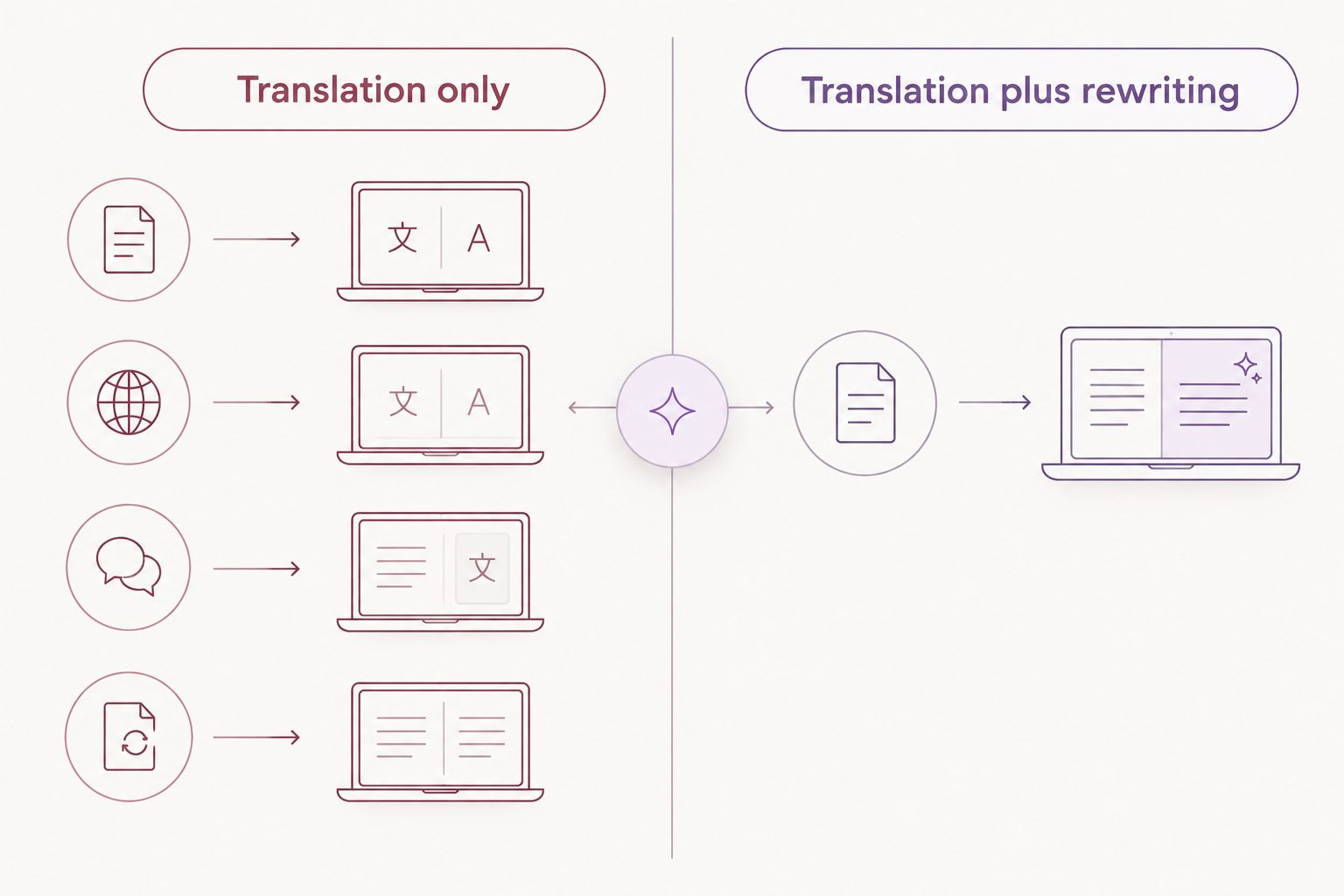
Each app is measured against the six criteria above: in-app access, business-register accuracy, translation plus rewriting, system-wide reach, language coverage, and offline reliability. No app wins on every criterion — that's why the list is a decision tree by use case, not a single leaderboard.
Try translation without the copy-paste
Translate and rewrite text right where you're typing on Mac.
Which AI translation app for business professionals should you choose in 2026?
If you work on Mac and want translation and writing help in the same shortcut, PhraseLift is the default pick for 2026. If your work is mostly long documents in European business languages, DeepL earns its place. Teams standardized on Microsoft 365 should stick with Microsoft Translator rather than adding a new app, and anyone who just needs a free, broad-coverage backup on their phone should keep Google Translate installed alongside whichever tool they use daily.
FAQ
What's the best AI translation app for business professionals in 2026?
PhraseLift is the best pick for Mac users who need translation and writing help across Messages, WhatsApp, and email without switching windows. DeepL is the better choice for document-heavy translation in major European languages.
Is DeepL better than Google Translate for business use?
DeepL generally handles formal business tone and longer documents better, while Google Translate covers more languages and works offline. Pick DeepL for contracts and proposals, Google Translate for quick or casual messages.
Does PhraseLift work on iPhone?
Not yet as of 2026 — the iPhone keyboard is in development, not released. Today PhraseLift runs on Mac, translating and rewriting selected text system-wide.
Can I translate business text without copying and pasting into ChatGPT?
Yes — a menu-bar or keyboard-shortcut translator like PhraseLift lets you translate selected text in place, skipping the tab-switch and copy-paste loop entirely.
Which translation app works best offline?
Google Translate's offline language packs are the most widely used offline option for mobile. Business travelers relying on translation without a connection should download the relevant packs before a trip.
Do AI translation apps also fix grammar and tone?
Some do and some don't. PhraseLift combines translation with AI writing improvements, while tools like Google Translate and Reverso focus on translation without rewriting tone.
How much does an AI translation app cost?
Pricing and plans vary by app and change over time, so check each vendor's current site for up-to-date plans rather than relying on a fixed figure.
Is Microsoft Translator good for team meetings?
Yes — it supports live translation and captioning inside Teams calls, which makes it useful for multilingual meetings when a team already runs on Microsoft 365.
One last thing
The app that wins for you in 2026 depends less on translation quality and more on where the friction actually happens in your day: if you're translating inside a chat thread ten times a day, a system-wide shortcut saves more time than a marginally better translation engine ever will.